Hey guys. I want to start a new thread that involves screenshots. I'm using windows vista premium home addition. Can anyone tell me how to take screenshots and add them to my thread? Thanks in advance.
Rookie
BR
BruceM
Rep: 216,211
Posts: 19,895
there should be some good info on this thread Rookie...
http://www.mypivots.com/forum/topic.asp?TOPIC_ID=1204&SearchTerms=screen,shot
http://www.mypivots.com/forum/topic.asp?TOPIC_ID=1204&SearchTerms=screen,shot
BL
blue
Rep: 751
Posts: 388
quote:
Originally posted by Rookie
Hey guys. I want to start a new thread that involves screenshots. I'm using windows vista premium home addition. Can anyone tell me how to take screenshots and add them to my thread? Thanks in advance.
Rookie
Hi Rookie,
What I use is (Alt+Print Screen)
(hold down the Alt key and hit the print Screen key)
This puts the screensnap in memory.
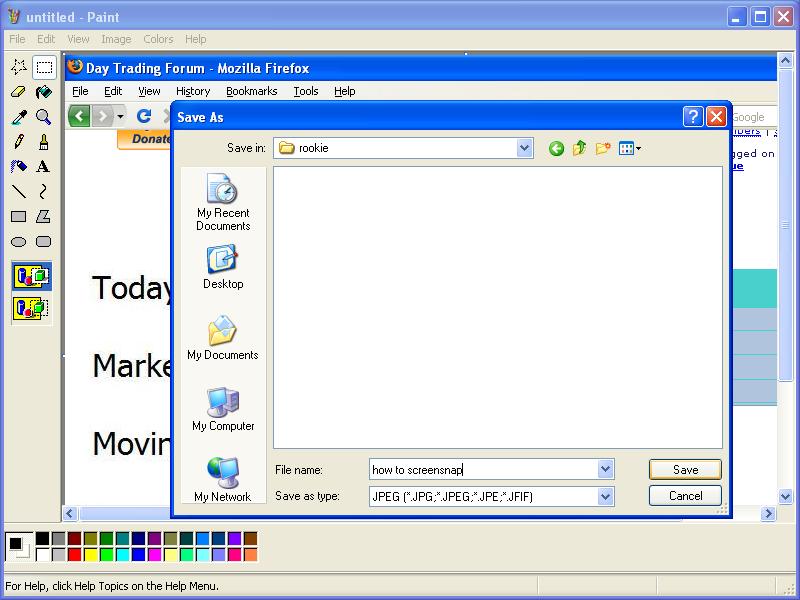
Then I paste it (Cntl+V)into the program (e.g. MSPaint) I want and save it.
File, programs, accessories, paint
Hope it helps!
Click image for original size

Click image for original size
CA
catpurley
Rep: 30
Posts: 25
Here is a dead simple piece of software for screenshots, Personally I've always used the method that Blue posted but my wife didn't enjoy that method so she found this free piece of software that even my grandmother can make screenshots with:
http://www.webmasterstricks.com/wt-10-screen-capture.php
http://www.webmasterstricks.com/wt-10-screen-capture.php
MO
MonkeyMeat
Rep: 12,738
Posts: 1,334
To add to what Blue was describing using "paint" under "accessories" ... once you've pasted in the image, you can go to "image" on the toolbar and select "stretch/skew" to shrink down the size. You may lose a tad bit of resolution or font will appear smaller. But I've found it helpful to prevent uploaded charts from stretching the thread posting window 8 miles wide. Helps to avoid scrolling right, left, right, left etc. back and forth to read each post and view any chart.
RO
Rookie
Rep: 0
Posts: 23
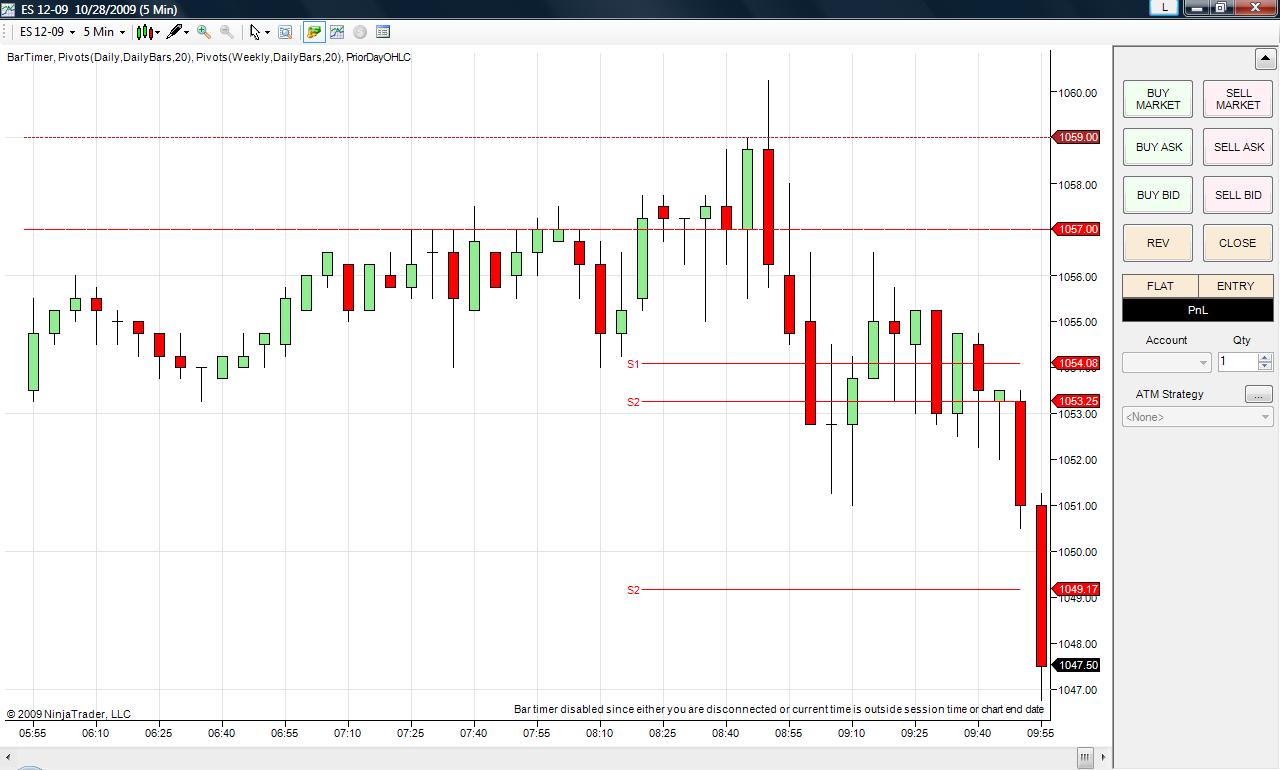
This isn't really a picture of anything. I'm just practicing. I hope it shows.
Click image for original size
DA
day trading
Rep: 39,586
Posts: 6,369
I've just installed Windows 7 and found that this version of windows has a built in utility called Snipping Tool which does exactly that: Allows you to select and then save part of your desktop as an image. Very fast and easy but I realize that it will be a while before many people move on to Windows 7.