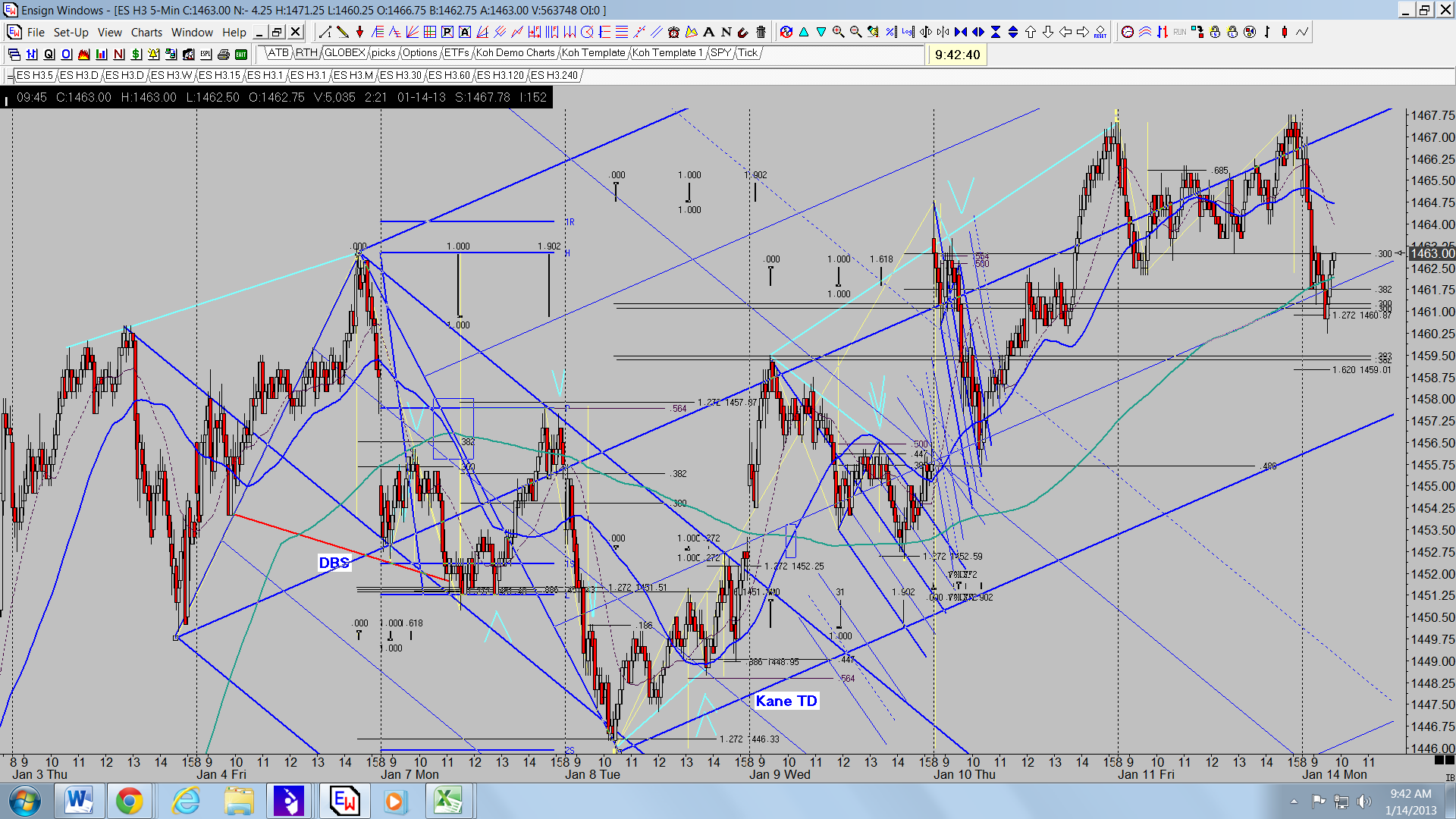
Jim has allowed me to post some charts in a separate thread, so I will post here in Al's Charts 2. I am amazed at how the Kane Trading methodology permeates price action. I like moving averages, too.
Any comment welcome.
Good Trading to all.
JI
jimkane
Rep: 3,058
Posts: 33,089
Interesting, when I quoted your above post, look how the quoted part showed up. Either daytrading changed things so quoted posts now show up bigger and bold, or something weird is going on. But it seems funny you thought your charts were too big, and then the quoted part shows up much bigger than it originally was...
MA
MarcinO
Rep: 67
Posts: 5,506
I have noticed the same issue. When I upload a chart working on smaller screen (e.g. laptop) my charts are not limited to a standard post boundaries but much larger.
However, when I read the forum from my home PC, with much larger monitor, everything looks as it used to be, even my charts.
So it may be due to screen size or some caching of the content on the computer from which charts are uploaded.
Al's charts looks fine, too.
However, when I read the forum from my home PC, with much larger monitor, everything looks as it used to be, even my charts.
So it may be due to screen size or some caching of the content on the computer from which charts are uploaded.
Al's charts looks fine, too.
Originally posted by jimkane
Your charts look great on my comp, Al?
Originally posted by albert
Charts look too big to fit on page. Shall I tell Day Trading (Guy)?
Al Kamego
AL
albert
Rep: 99
Posts: 3,094
Originally posted by MarcinO
I have noticed the same issue. When I upload a chart working on smaller screen (e.g. laptop) my charts are not limited to a standard post boundaries but much langer.
However, when I read the forum from my home PC, with much larger monitor, everything looks as it used to be, even my charts.
So it may be due to screen size or some caching of the content on the computer from which charts are uploaded.
Al's charts looks fine, too.
Originally posted by jimkane
Your charts look great on my comp, Al?
Originally posted by albert
Charts look too big to fit on page. Shall I tell Day Trading (Guy)?
Al Kamego
Thanks, Jim and Marcin, for your input. I am wondering if this may have something to do with browers. I use Google. I checked rat's "Stock Charts" chart, posted on the main Trading Discussion thread, and his charts appear normal to me, fitting within the page borders. Marcin's and my charts, however, appear to me to be too wide to fit in the page borders. However, all quotes seem to look normal to me. Very strange.
Al Kamego
AL
albert
Rep: 99
Posts: 3,094
It looks to me like the some charts, for example, Marcin's and mine, are now appearing in the expanded view, non-centered, as default selection, with the white space appearing on the left side of the chart when in normal "non-expanded" selection default, and white space appearing on the right side of the chart, with no change in chart size, when the chart is clicked.
In other words when I “Click image for original size” on the “Kane Members Only” forum, the size of the image on my computer does not change, the image just shifts to the left. I have no issues with the quote size, though.
Thanks again.
Al Kamego
In other words when I “Click image for original size” on the “Kane Members Only” forum, the size of the image on my computer does not change, the image just shifts to the left. I have no issues with the quote size, though.
Thanks again.
Al Kamego
JI
jimkane
Rep: 3,058
Posts: 33,089
That's odd, Al, because I tend to have every problem out there, and some unheard of new ones, and it's all working correctly for me. What browser and version are you using?
Originally posted by albert
It looks to me like the some charts, for example, Marcin's and mine, are now appearing in the expanded view, non-centered, as default selection, with the white space appearing on the left side of the chart when in normal "non-expanded" selection default, and white space appearing on the right side of the chart, with no change in chart size, when the chart is clicked.
In other words when I “Click image for original size” on the “Kane Members Only” forum, the size of the image on my computer does not change, the image just shifts to the left. I have no issues with the quote size, though.
Thanks again.
Al Kamego
JI
jimkane
Rep: 3,058
Posts: 33,089
Also, when you look at what I just posted, you don't see your post in larger letters and in bold now? It appears the same as my part of the post? That's the way it used to be, but right when you mentioned the chart issue for you this changed.
AL
albert
Rep: 99
Posts: 3,094
Originally posted by jimkane
That's odd, Al, because I tend to have every problem out there, and some unheard of new ones, and it's all working correctly for me. What browser and version are you using?
Originally posted by albert
It looks to me like the some charts, for example, Marcin's and mine, are now appearing in the expanded view, non-centered, as default selection, with the white space appearing on the left side of the chart when in normal "non-expanded" selection default, and white space appearing on the right side of the chart, with no change in chart size, when the chart is clicked.
In other words when I “Click image for original size” on the “Kane Members Only” forum, the size of the image on my computer does not change, the image just shifts to the left. I have no issues with the quote size, though.
Thanks again.
Al Kamego
Jim,
Thanks for the comments. I use Google Chrome browser, but I do not know what version it is. I will continue to check for that information.
Al Kamego
AL
albert
Rep: 99
Posts: 3,094
Originally posted by jimkane
Also, when you look at what I just posted, you don't see your post in larger letters and in bold now? It appears the same as my part of the post? That's the way it used to be, but right when you mentioned the chart issue for you this changed.
Jim,
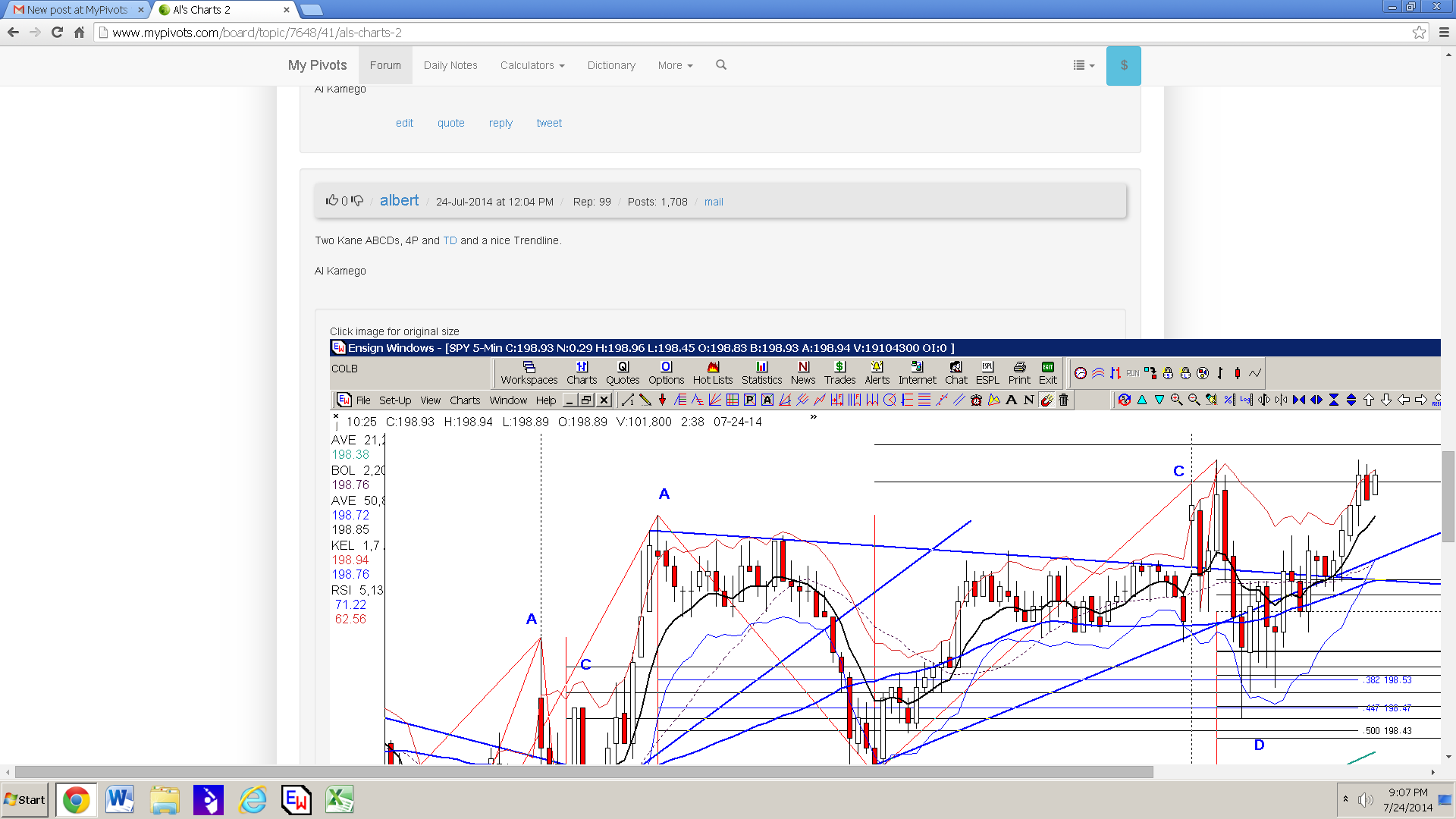
The quotes are OK, same as before, as far as I can tell. Here are screen prints of what I see (probably too much information).
Quote info:
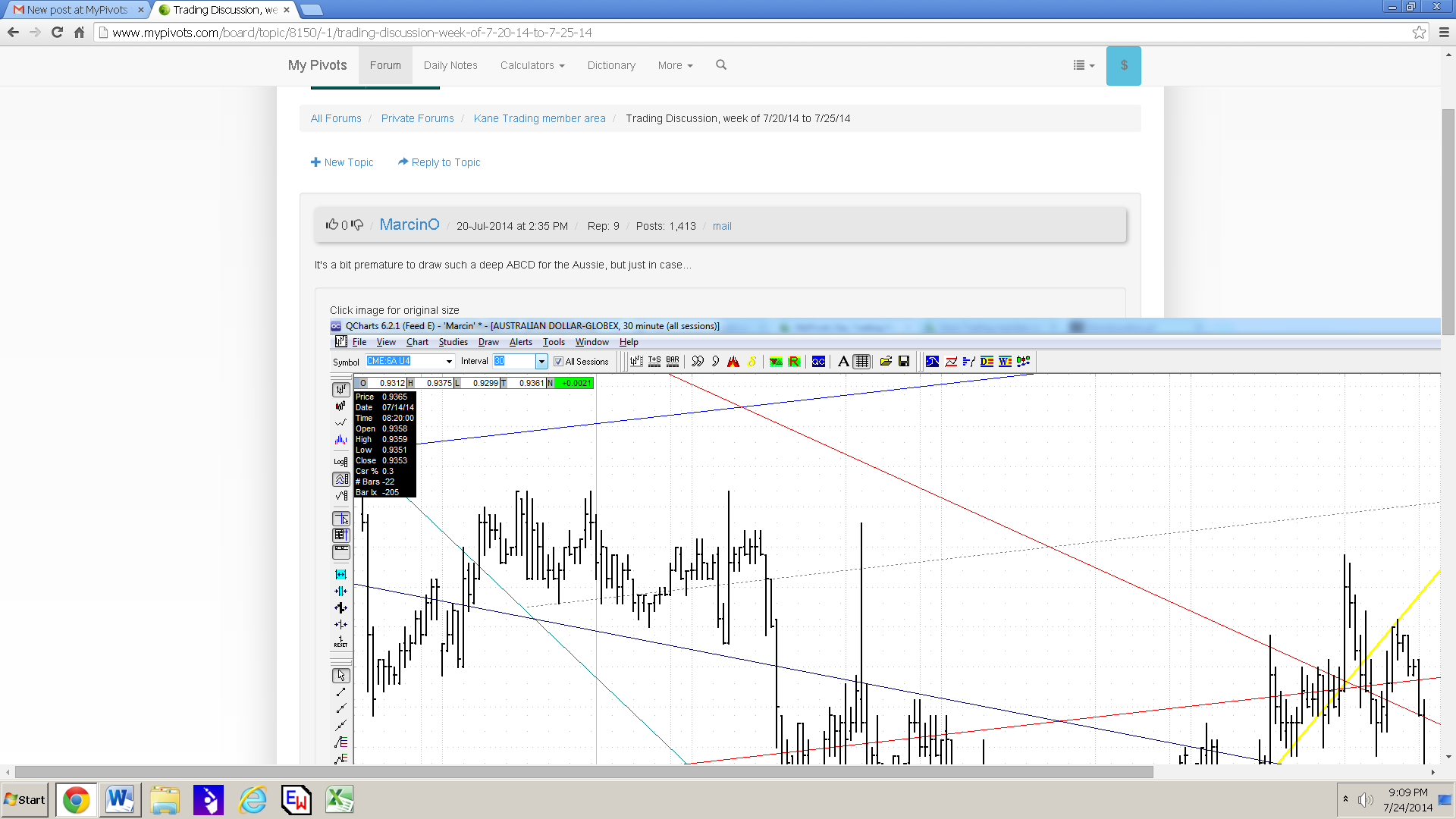
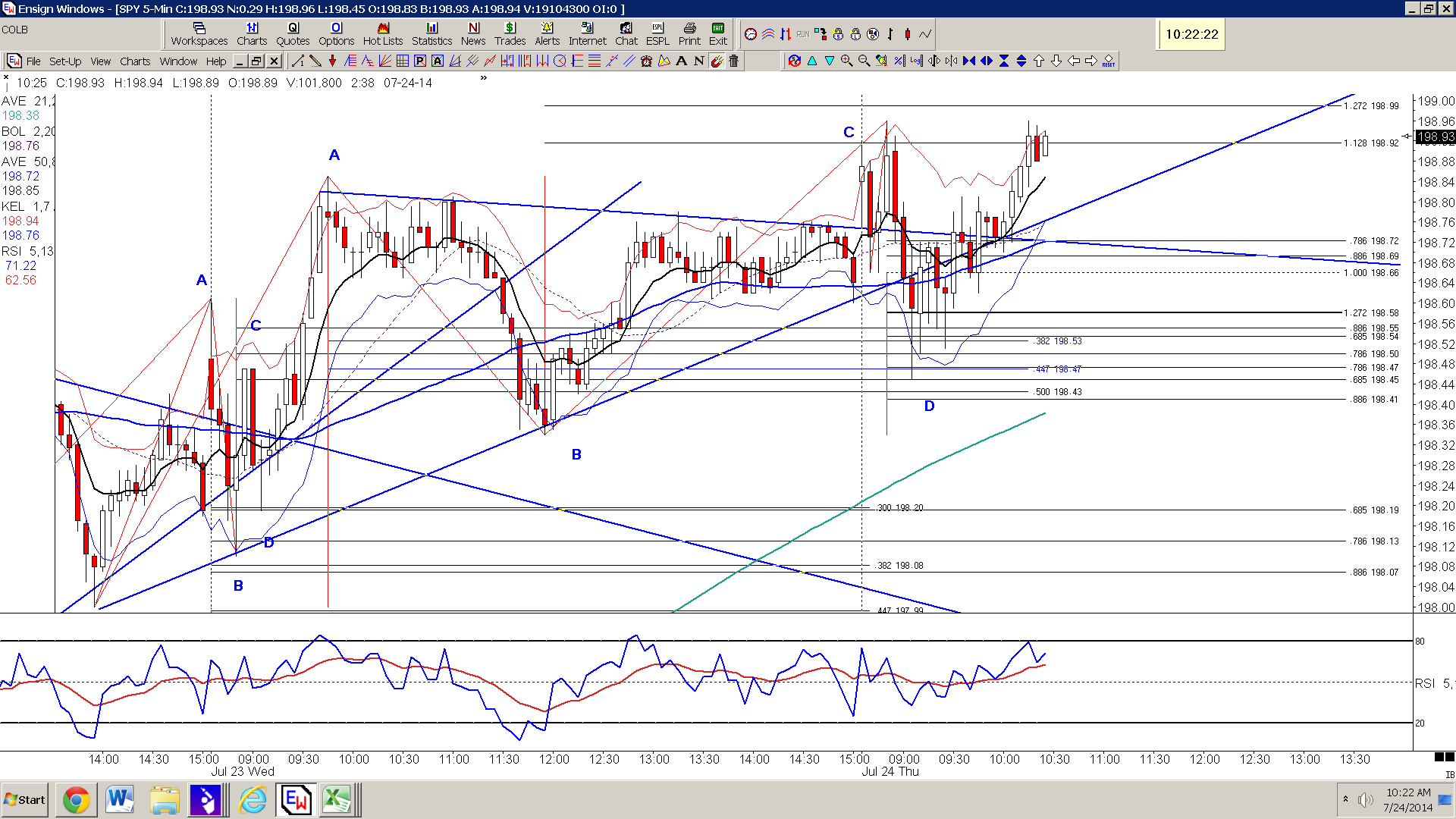
My charts:
Marcin's charts:
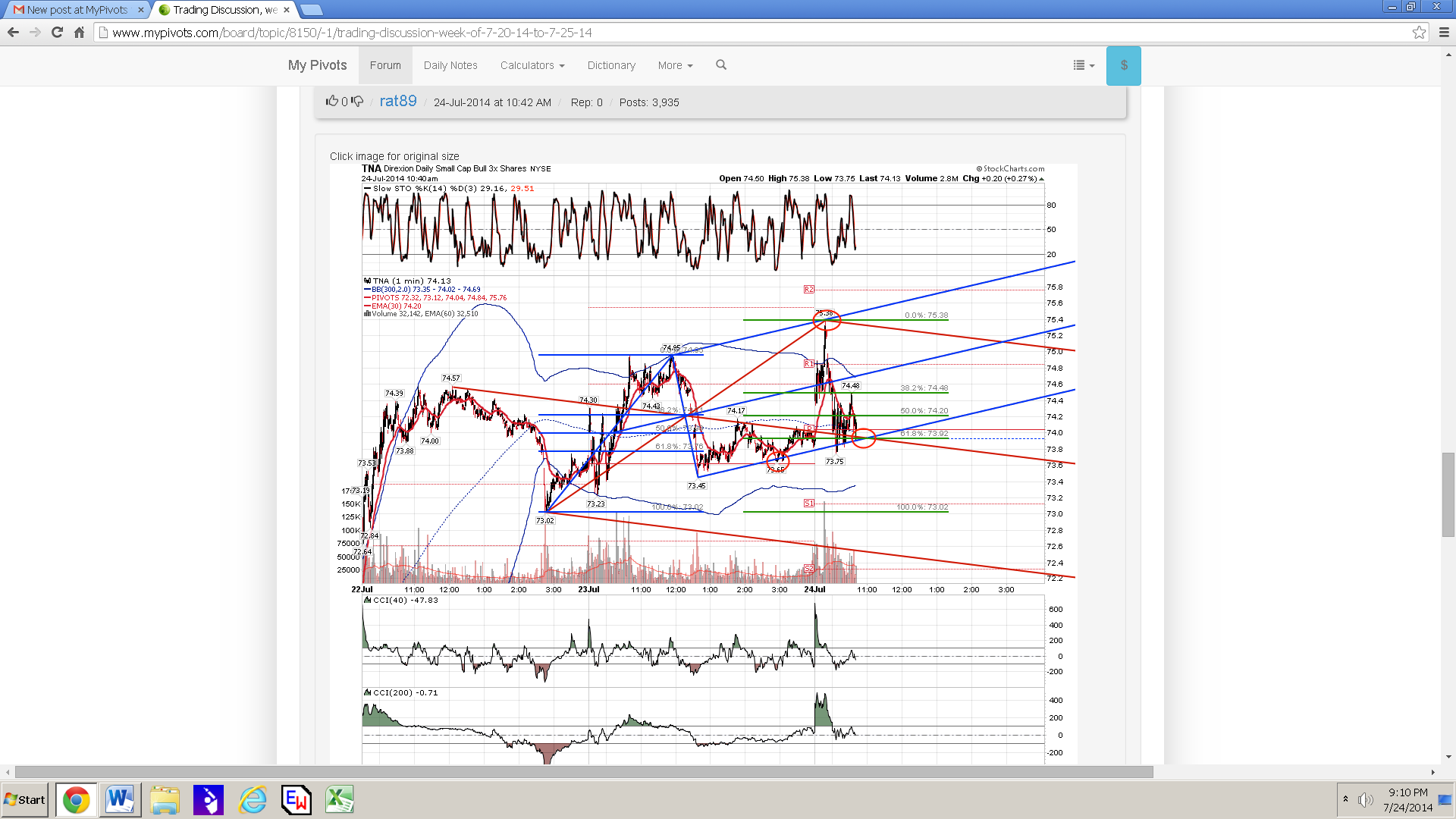
and rat's charts:
Al Kamego