If you're a trader you often need to capture what a chart looks like and then be able to post it to a forum such as this one or email to a friend or colleague to share views and opinions.
What screen capture software do you use and recommend. I decided to start this topic after seen a posting from inventor here: Day Trading Journal where he mentioned that he uses a product called NWSnap.
A little bit of investigation lead me to this web site where you can download this free utility: MWSnap
(I have not downloaded or used this and am just going by inventor's recommendation. If you have a recommendation for any Screen Capture Software then please post the name and/or link as a reply to this topic.
Thanks!!
DA
day trading
Rep: 39,586
Posts: 6,369
You may find the captured static chart images easier to view with the use of the (another free utility) CrossHair software.
IN
inventor
Rep: 130
Posts: 190
quote:
Originally posted by day trading
If you're a trader you often need to capture what a chart looks like and then be able to post it to a forum such as this one or email to a friend or colleague to share views and opinions.
What screen capture software do you use and recommend. I decided to start this topic after seen a posting from inventor here: Day Trading Journal where he mentioned that he uses a product called NWSnap.
A little bit of investigation lead me to this web site where you can download this free utility:
MWSnap/NWSnap
(I have not downloaded or used this and am just going by inventor's recommendation. If you have a recommendation for any Screen Capture Software then please post the name and/or link as a reply to this topic.
Thanks!!
Thanks day trading I was it sure I had something that any body will wont. Any way this utility is free of bugs and spy ware it is very simple and very good program I'm using it for 3 years now.
EL
elite trader
Rep: 110
Posts: 220
Thanks for the info guys for both this and the Cross Hair suggestion!
DA
day trading
Rep: 39,586
Posts: 6,369
I've changed the link in the first posting in this thread so that it goes straight to Mirek Wojtowicz's web site. It appears that he is the original author of this software.
Thanks Mirek!
Thanks Mirek!
DA
day trading
Rep: 39,586
Posts: 6,369
Subsequent to yesterdays posting I have downloaded the software and am using version 3.0.0.74 and am very impressed with it. This is an excellent replacement for eSignal's snapshot tool which only runs when eSignal is running.
(eSignal's snapshot tool has some other neat features specific for what it is designed for (like automatically uploading your image to their file share for example) which will obviously not be in a tool such as Mirek's MWSnap.)
(eSignal's snapshot tool has some other neat features specific for what it is designed for (like automatically uploading your image to their file share for example) which will obviously not be in a tool such as Mirek's MWSnap.)
ST
steve
Rep: 10
Posts: 51
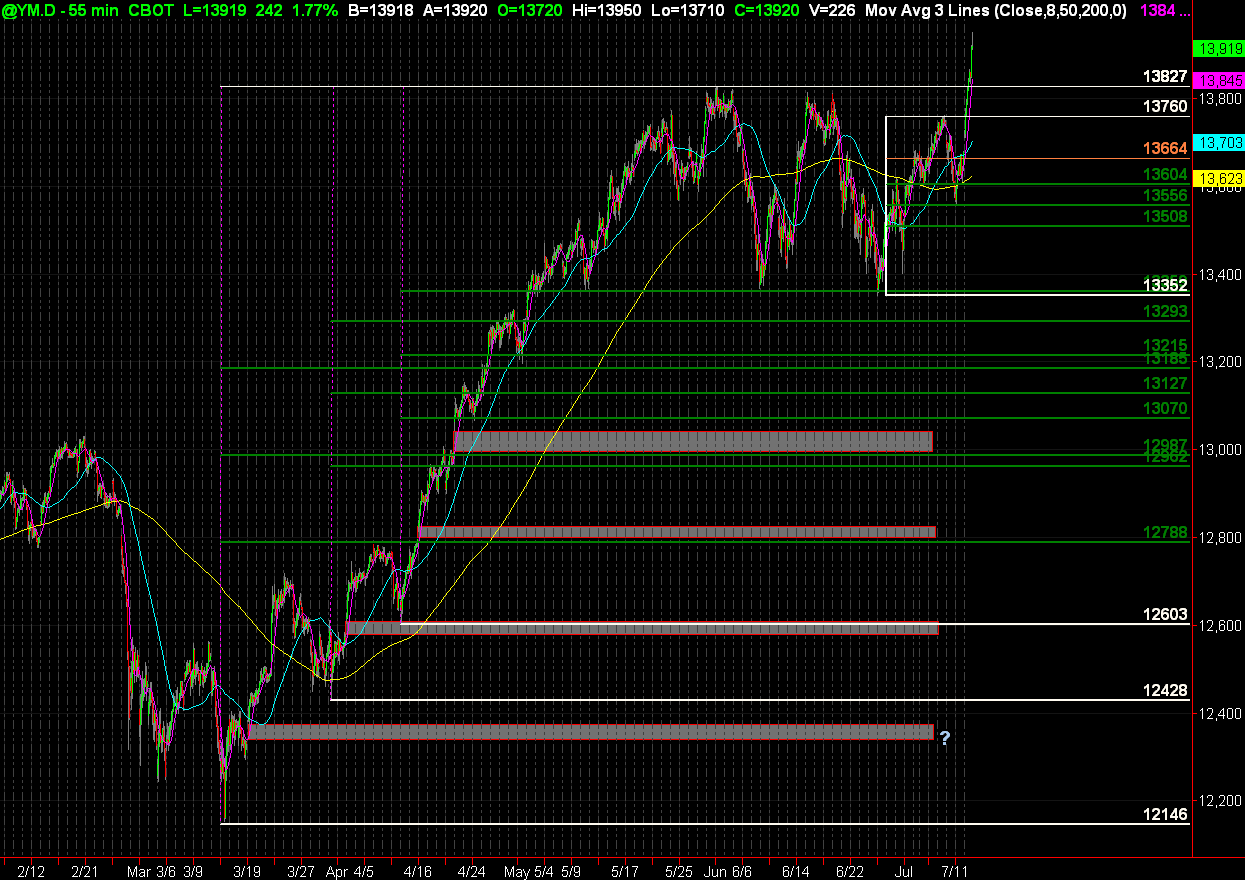
I use Snag-It. I think it cost $40 and is available for download on site. The files can be dropped into Word and Excel also. I use it to post charts to a website. I have found it to be simple and easy. I've attached a sample shot to give you an idea of what it looks like.
Click image for original size
Click image for original size
JD
jd007
Rep: 0
Posts: 26
RE: Screen capture...
I also use SnagIt.
$30.00 on Download.com, 30-day trial, which i am currently on. It is awesome b/c you can not only capture images, but record video that is playing on your screen in a very easy way.
hope it helps.
I also use SnagIt.
$30.00 on Download.com, 30-day trial, which i am currently on. It is awesome b/c you can not only capture images, but record video that is playing on your screen in a very easy way.
hope it helps.
DA
day trading
Rep: 39,586
Posts: 6,369
Just came across another screen capture utility that seems pretty neat and I'm trying it out now:
Screen Hunter - scroll down the page to the free version.
Screen Hunter - scroll down the page to the free version.
DA
day trading
Rep: 39,586
Posts: 6,369
Another great and free utility that I use for editing graphics is Paint.net which is a great replacement for the default Paint program that comes with windows. If you need to edit your image before uploading then this can do a ton of stuff.
TIP: If you want to capture an image using just your charting program and Paint.net then try this.
TIP: If you want to capture an image using just your charting program and Paint.net then try this.
- Find the chart that you want to post and hold down the Alt key and hit the Print Scr key (often shared with the Sys Rq key) This will copy just the window with the focus on it to the clipboard as an image.
- Now go to Paint.net and hit Ctrl+V to paste it.
- Next select the selection tool and mark the area that you want to save. You can skip this step if you want to save the whole image.
- If you selected an area then hit Shift+Alt+X and it will reduce your image to just the selection.
- Now you can save it.